Managing Replies
How Repliably detects and organizes replies, and what happens to your sequence when a contact responds.
When a contact replies to one of your outreach emails, Repliably detects it automatically and takes action. This guide explains how reply detection works, where to find your replies, and what happens to the sequence.
How Reply Detection Works
Repliably monitors your connected Gmail account for incoming replies to emails sent through the platform. When a reply is detected, it's matched to the contact and sequence that triggered it.
What Happens When a Contact Replies
When a reply is detected, Repliably automatically:
- Ends the sequence for that contact, so no further follow-ups will be sent.
- Logs the reply in the Replies section of your dashboard.
- Updates the contact's status to reflect that they've responded.
- Sends you a real-time notification so you can follow up personally.
Viewing and Managing Replies
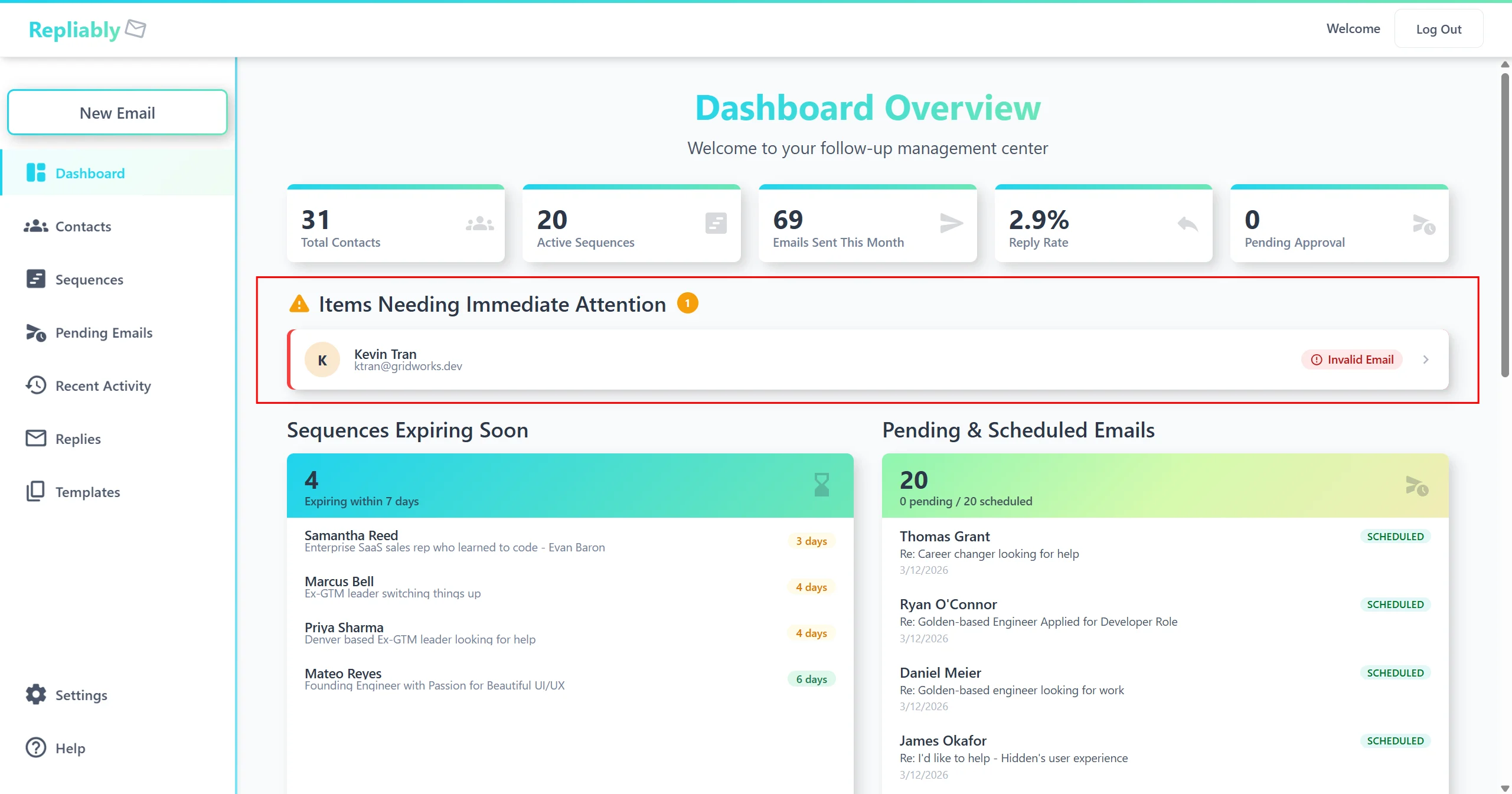
All replies are collected in the Replies page, accessible from the sidebar. From there you can:
- View the full reply thread in context.
- See which sequence and step triggered the reply.
- Mark replies as handled or flag them for follow-up.
- Sort and filter replies by date, contact, or sequence.
Bounce Detection
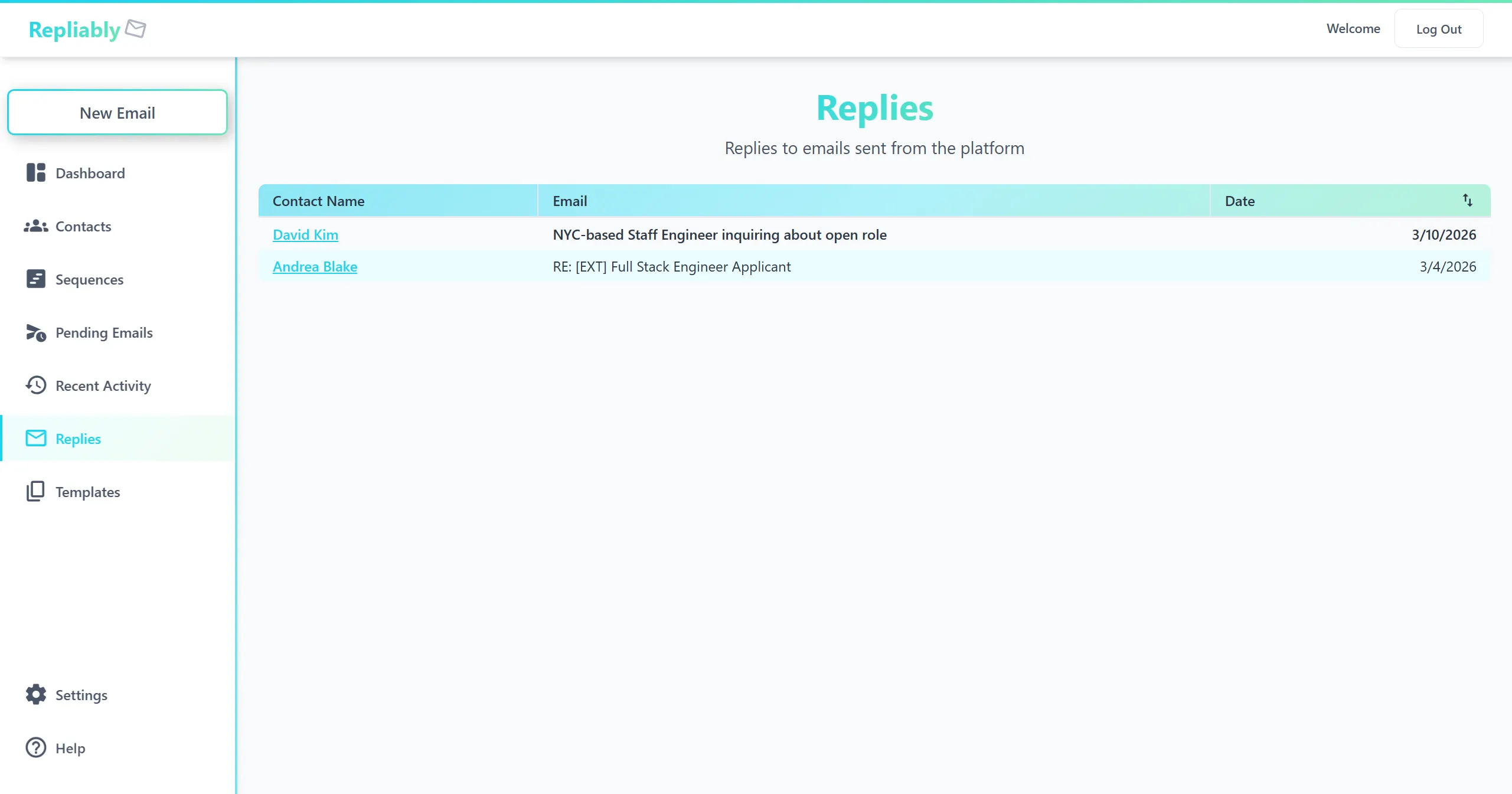
Repliably also detects bounced emails, which are messages that couldn't be delivered because of an invalid address or full inbox. Bounces are flagged separately from replies, and the affected contact is automatically paused to protect your sender reputation.